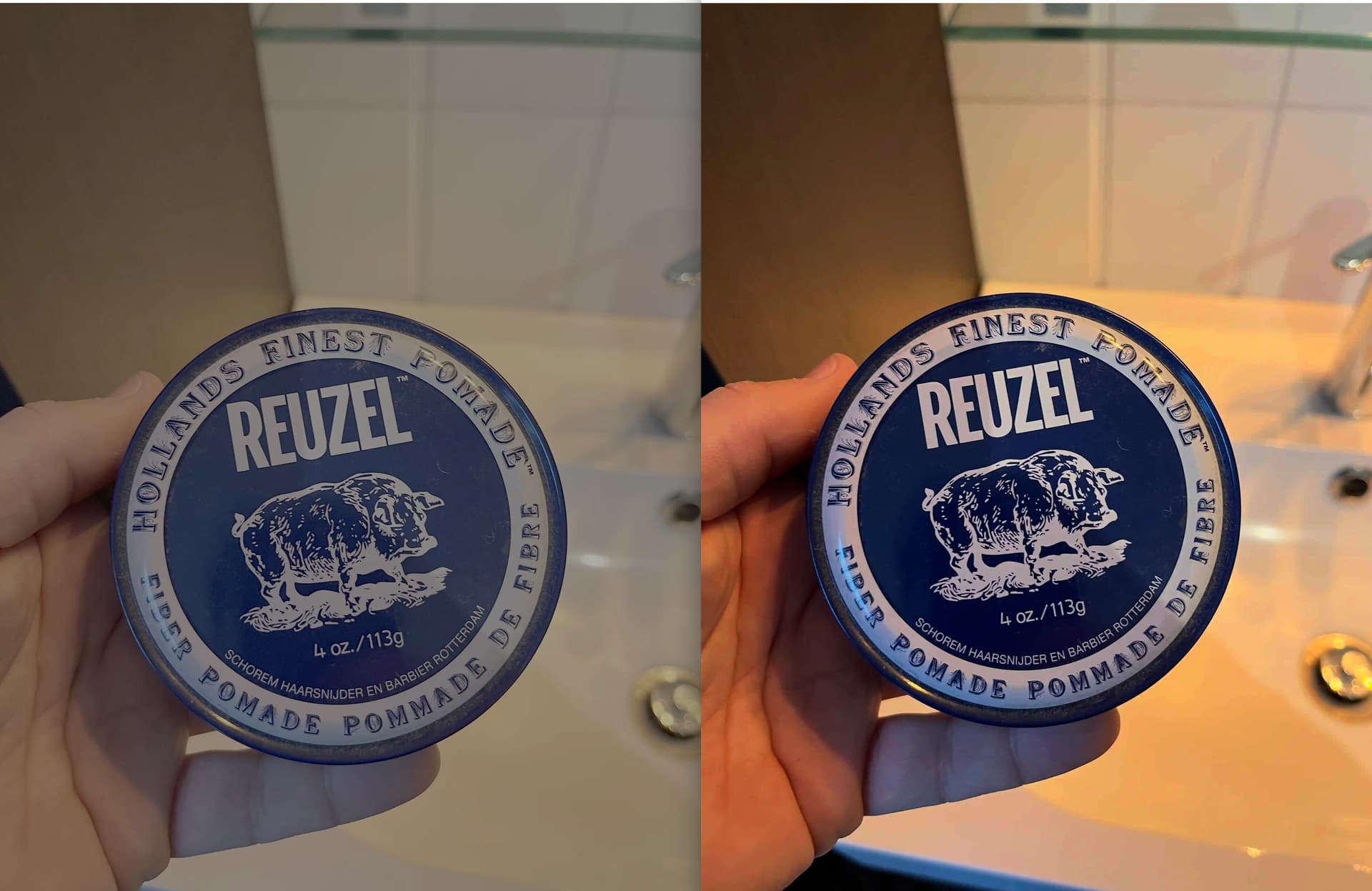
For quite a while, I’ve had a photo workflow that converts images to WebP (both to reduce size, and so that I don’t have to separate between jpeg and png, for transparency). However, when I got back to blogging last month, I noticed an issue with new WebP images…
Micro.blog does something to them now that makes them very grey and dull!
Below you can see a WebP image before and after I’ve uploaded it to Micro.blog…
Manton tweaks the asset pipeline a fair bit. And aggressively wipes metadata, which all standard libraries I know of do a terrible job of letting you do that selectively versus with a canon. If I had to guess, changes in the video asset pipeline could have messed this up. Or you got a phone that takes HDR now or uses a non default color space that makes it noticeable. Or your process for converting to webp stores that data differently than it used to.
Sorry I never followed up in this thread. It does look like the colorspace is being stripped. In some cases, Micro.blog tries to preserve the original WebP file and won’t convert it… For example, I just tried a WebP upload from the web, and it left the upload alone without conversion. The native apps will usually convert to JPEG, though.
Can you explain more about how you’re uploading, from which apps or the API? Thanks!
Generally I’m using a version of Hey Dingus’ shortcut. I’ve explained it here. I guess that’s the API?
But with the image above, I tested by manually uploading the WebP to the desktop site. (I never use the app.) Here’s a link to an image that got stripped of colour when uploading manually.
(The reason I’m using WebP is that I want to reduce the size, but I don’t want to have to separate between JPEG and PNG. WebP is small for the amount of quality (also with photos), and also supports transparency. My shortcut has a Clop action to do the conversion.)
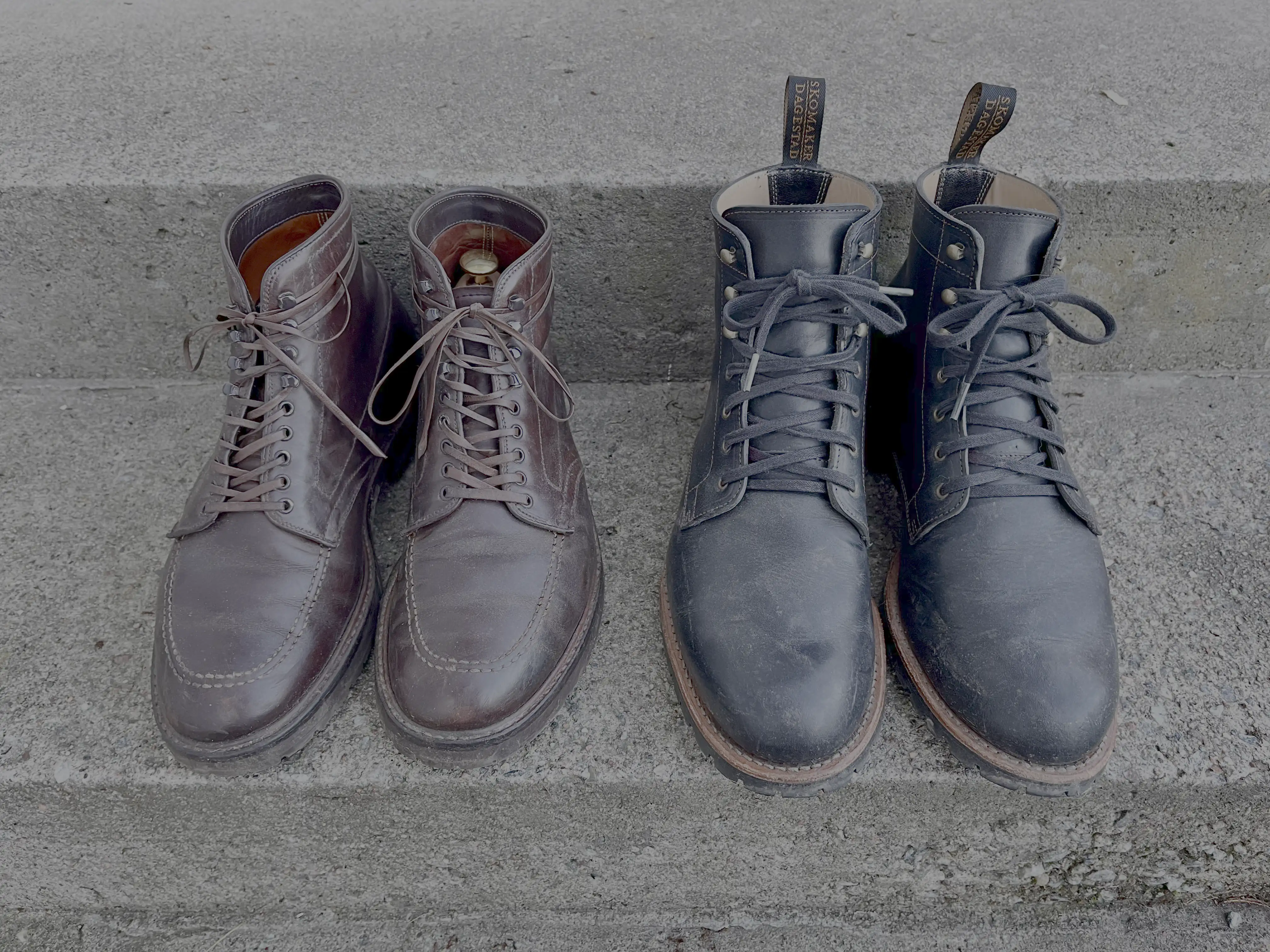
Still broken, @manton. And as you can see on this photo (that was uploaded via the “upload web interface”, micro.blog doesn’t convert it to jpeg, but simply ruins the webp, heh.