Web editor ignoring markdown?

What am I doing wrong here?

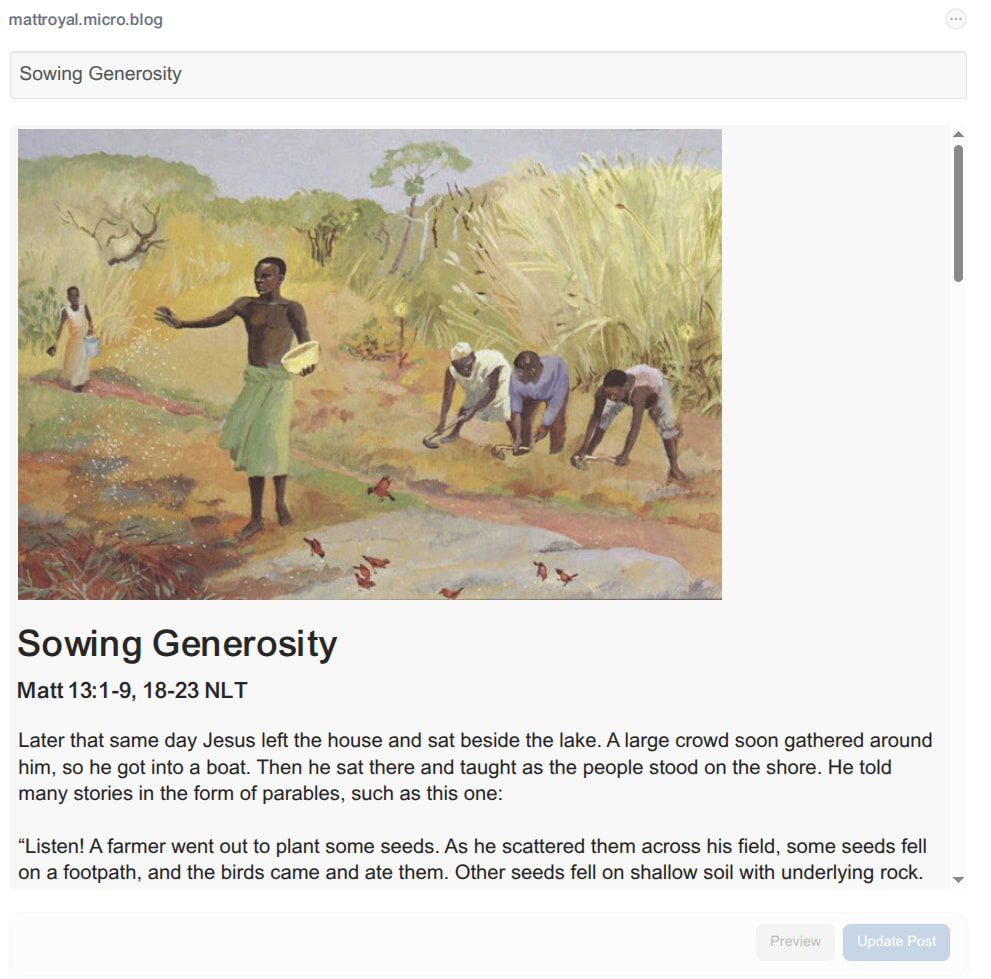
I paste in a post and the preview looks fine.

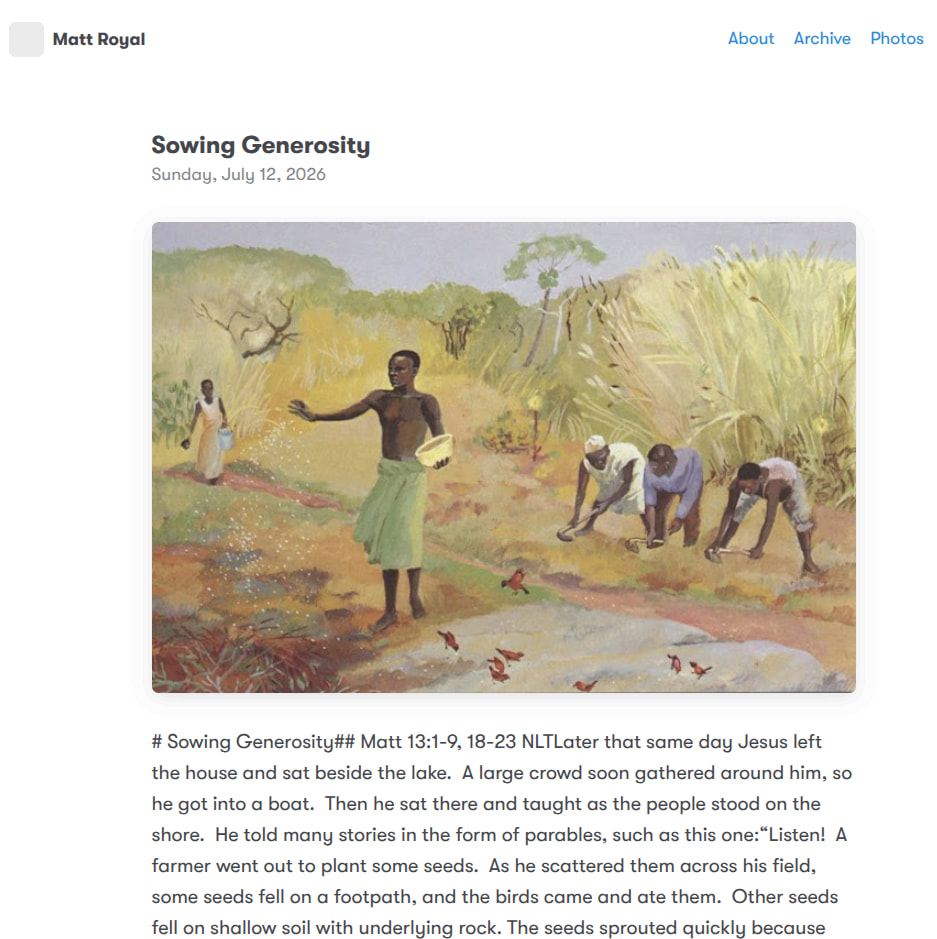
But when published, it’s as if all my formatting is ignored.

I changed themes from mnml to tiny theme, and it doesn’t seem to make any difference. It appears the Web editor is ignoring my EOLs. I’m pasting into Vivaldi on Linux, and drafting my Markdown in Obsidian (copying to clipboard from there).

It’s hard to tell what’s happening here without the raw markdown. If you can share it, we might be able to figure it out.

I uploaded the raw .md.

https://mattroyal.micro.blog/uploads/2026/sowing-generosity.md

I’m not able to reliably reproduce this error, but try removing the duplicate headline or add an empty line between it and the image. So, instead of this:
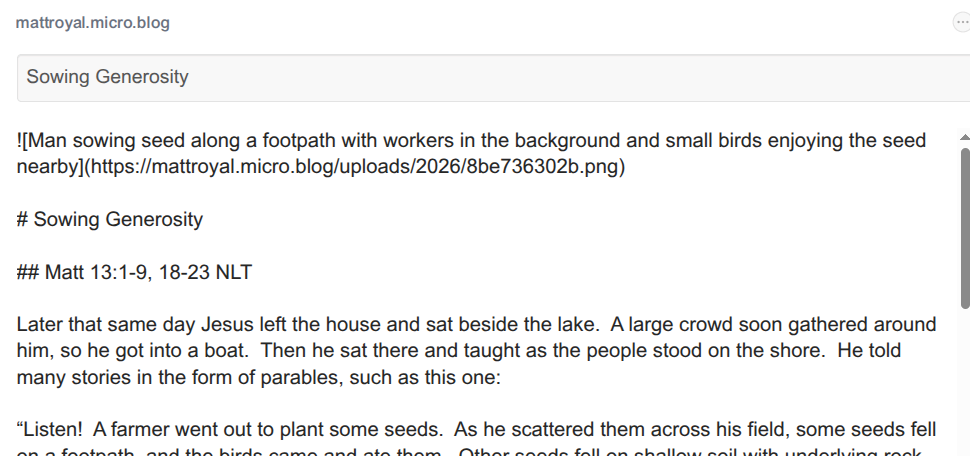
![Man sowing seed along a footpath with workers in the background and small birds enjoying the seed nearby](https://mattroyal.micro.blog/uploads/2026/8be736302b.png)
# Sowing Generosity

Do it like this:

![Man sowing seed along a footpath with workers in the background and small birds enjoying the seed nearby](https://mattroyal.micro.blog/uploads/2026/8be736302b.png)

or like this:

![Man sowing seed along a footpath with workers in the background and small birds enjoying the seed nearby](https://mattroyal.micro.blog/uploads/2026/8be736302b.png)

# Sowing Generosity

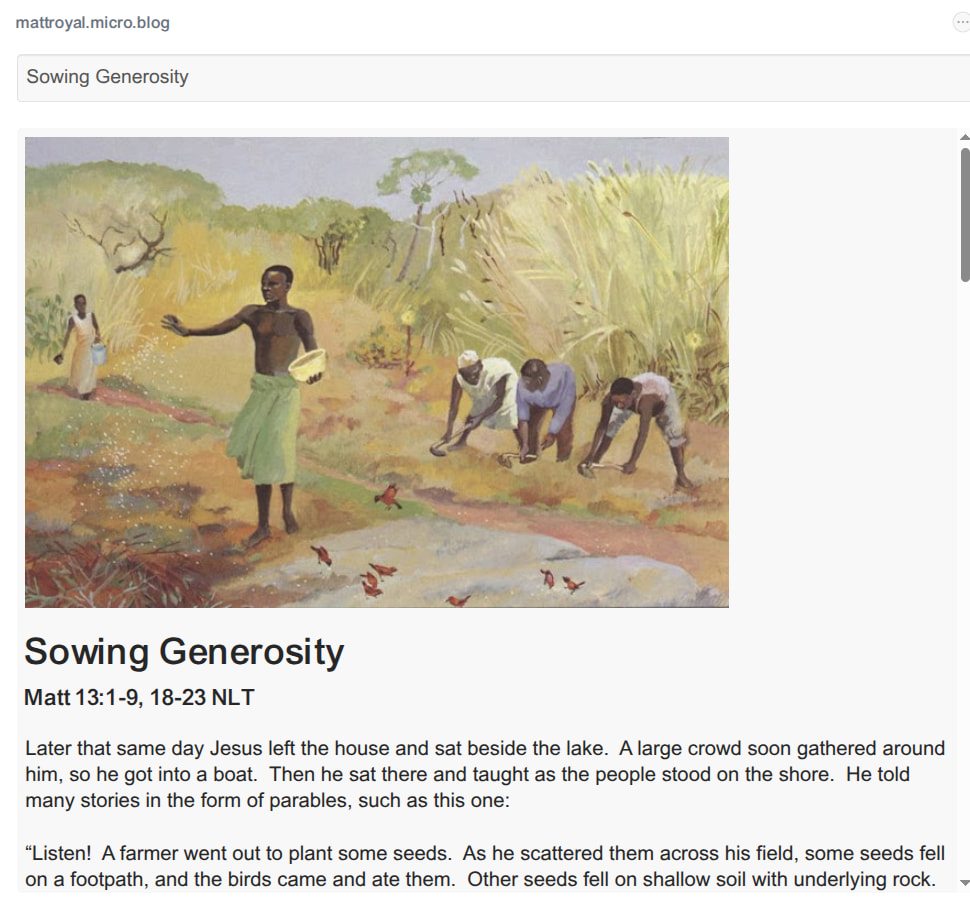
Here’s the first part of my markdown.

Here’s the first part of my preview.

Here’s the updated article.

EDIT: I’ve updated the uploaded markdown to match my source for this attempt.

https://mattroyal.micro.blog/uploads/2026/sowing-generosity.md

It still appears to me that somewhere between the preview and the publication of the article, the end-of-line characters are getting stripped.

Does it make a difference if you don’t preview the post before publishing? Like:

  1. Start a new post.
  2. Paste the text.
  3. Click the Post button (without clicking Preview first).

Well, what do you know? That seems to have worked. I chose “New Post” and did not interact with the original for this.

Yeah, previewing first was the only way I could reliably reproduce the error too. I saw you emailed me in the support inbox as well, thanks. I’ve let @manton know about it so we can squash this bug.
1 Like