Blog post versions are a feature meant for you as the blog owner, but they aren’t visible to the public. External tools, like Integrity, can only access the currently published version of a post. This means one of a few things likely happened: either the blog wasn’t fully built and deployed at the time of testing, Integrity was reading from a local cached copy of the post, or (less likely) Integrity actually checked the new link and it briefly returned a 404 error during the test.
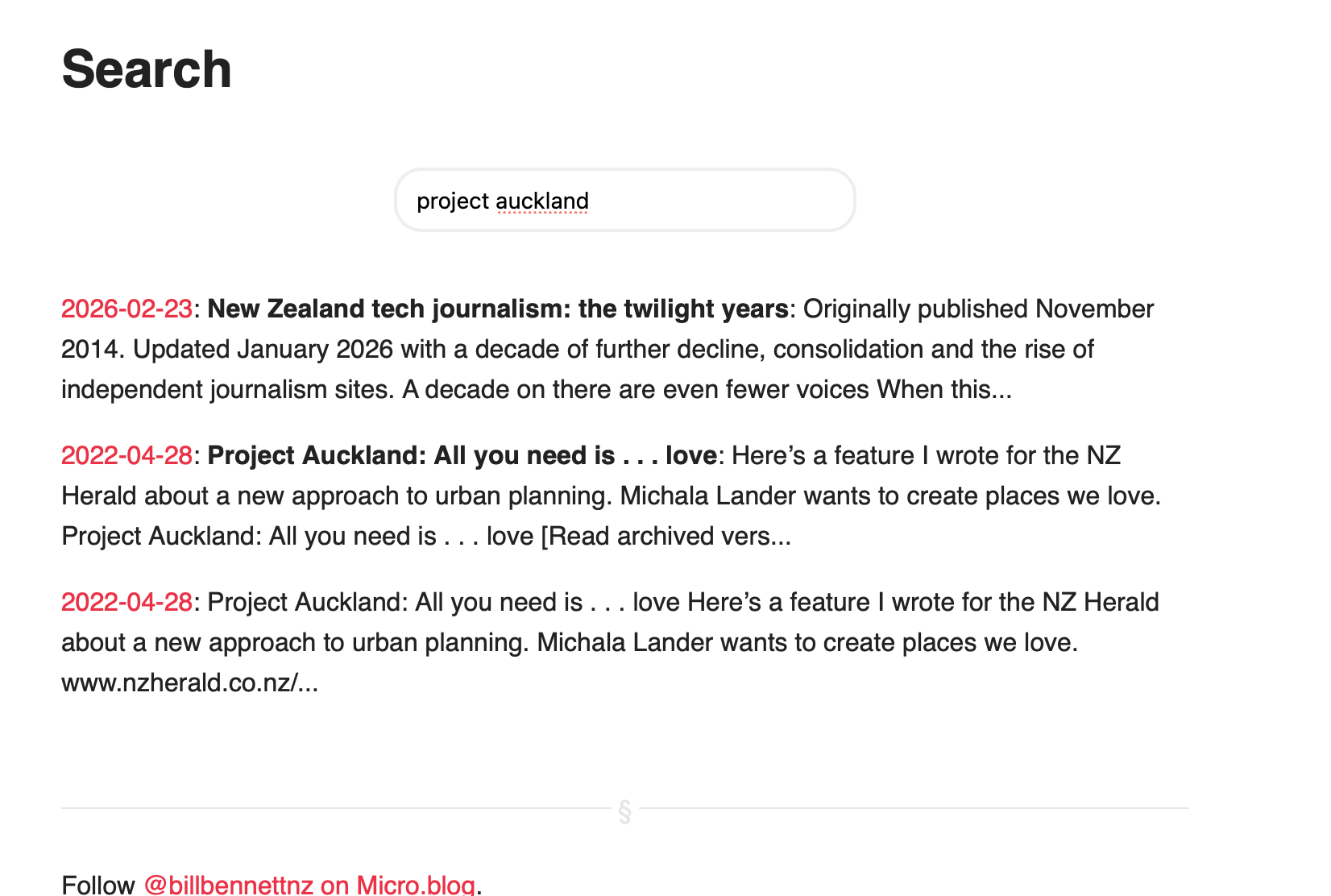
I’m not sure. It’s still happening hours after making the change. Both posts show up if I search but if I go to the Posts page I can only see the more recent version.
Oh, sorry, I misunderstood you. Since you only provided one link, I assumed Integrity had another version of that URL. I get it now, there’s duplicate posts (two URLs). If your blog seems out of sync with duplicate or missing posts, running a full rebuild from the logs page usually fixes the problem.