Hello! I had some trouble with using markdown to define a code blocks today, using macOS Safari 18.6.
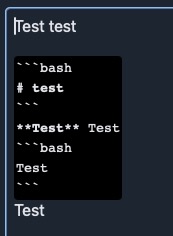
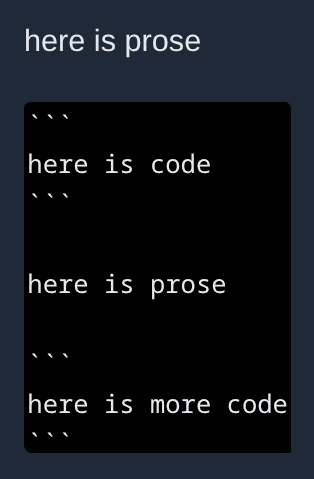
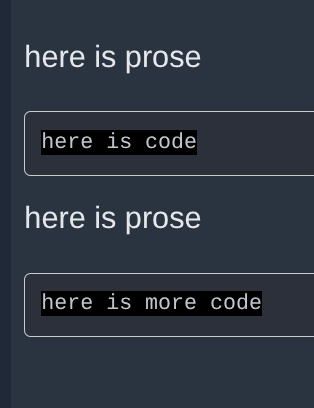
The web editor real-time preview and preview sometimes doesn’t look right, but the post will be correct. Basically, if I sandwich HTML between code blocks, the web editor will show everything as code, down to the last set of back ticks, including the HTML. Here’s what it looks like:
I’m seeing the same thing as @kurite. Even with new lines between code blocks, the entire area gets styled as code in the editor. Although as mentioned, the preview view looks correct.