I published a new long post today. It has a thumbnail of a book in both the abbreviated post on the home page and on the full post:
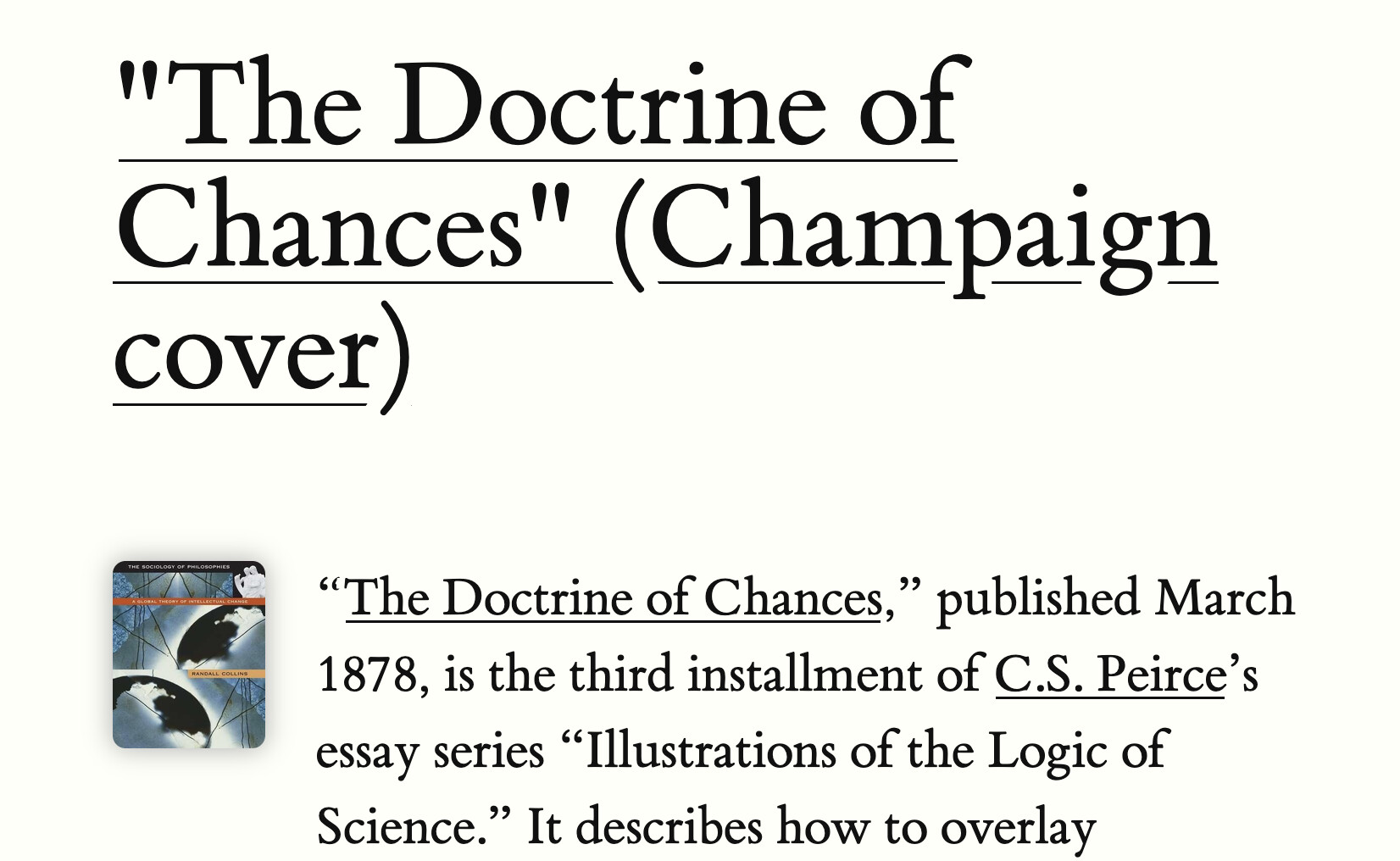
I did not intend for that thumbnail to appear. In fact, it’s the thumbnail image for a book I mention in passing in a sidenote:
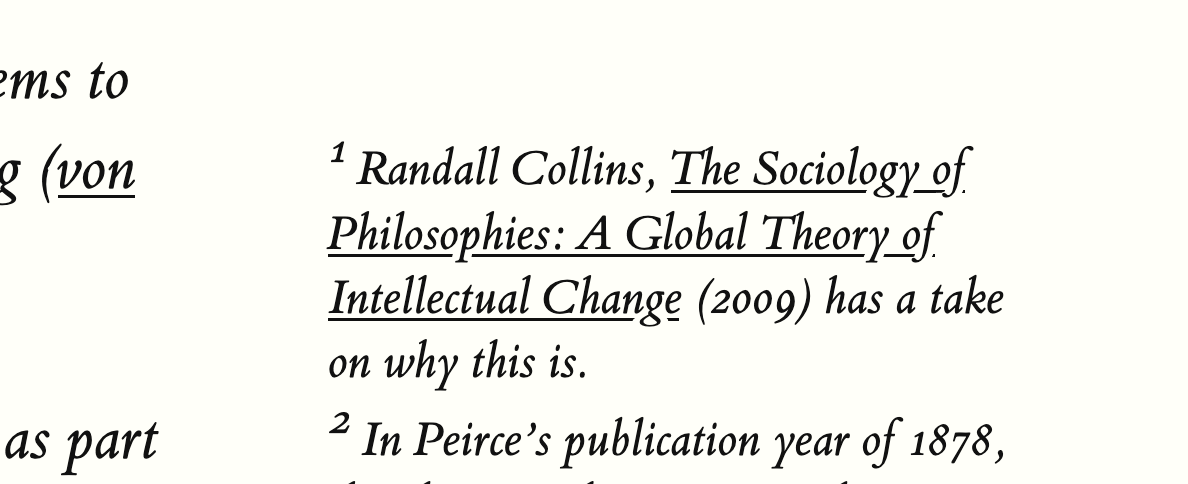
Which comes from this text (Tufte theme):
  {{< sidenote "sjsjsj2" >}}
  Randall Collins, *[The Sociology of Philosophies: A Global Theory of Intellectual Change](https://www.hup.harvard.edu/books/9780674001879)* (2009) has a take on why this is.
  {{< /sidenote >}}
It’s confusing to have a thumbnail for a book that’s not what the post is about. How do I make it go away?
Full post is: "The Doctrine of Chances" (Champaign cover) // Oddly Influenced
