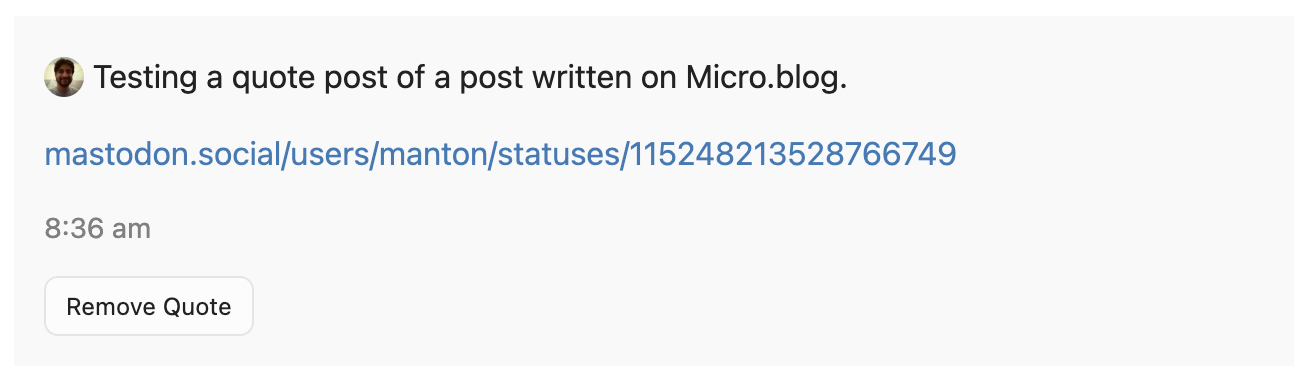
Mastodon 4.5 adds special support for quote posts and quoting permissions. In Micro.blog, we support these in a few ways:
- Micro.blog posts that are sent to the fediverse can be quoted by default.
- Micro.blog posts can be removed from a quoting post if you no longer want to allow a user to quote it.
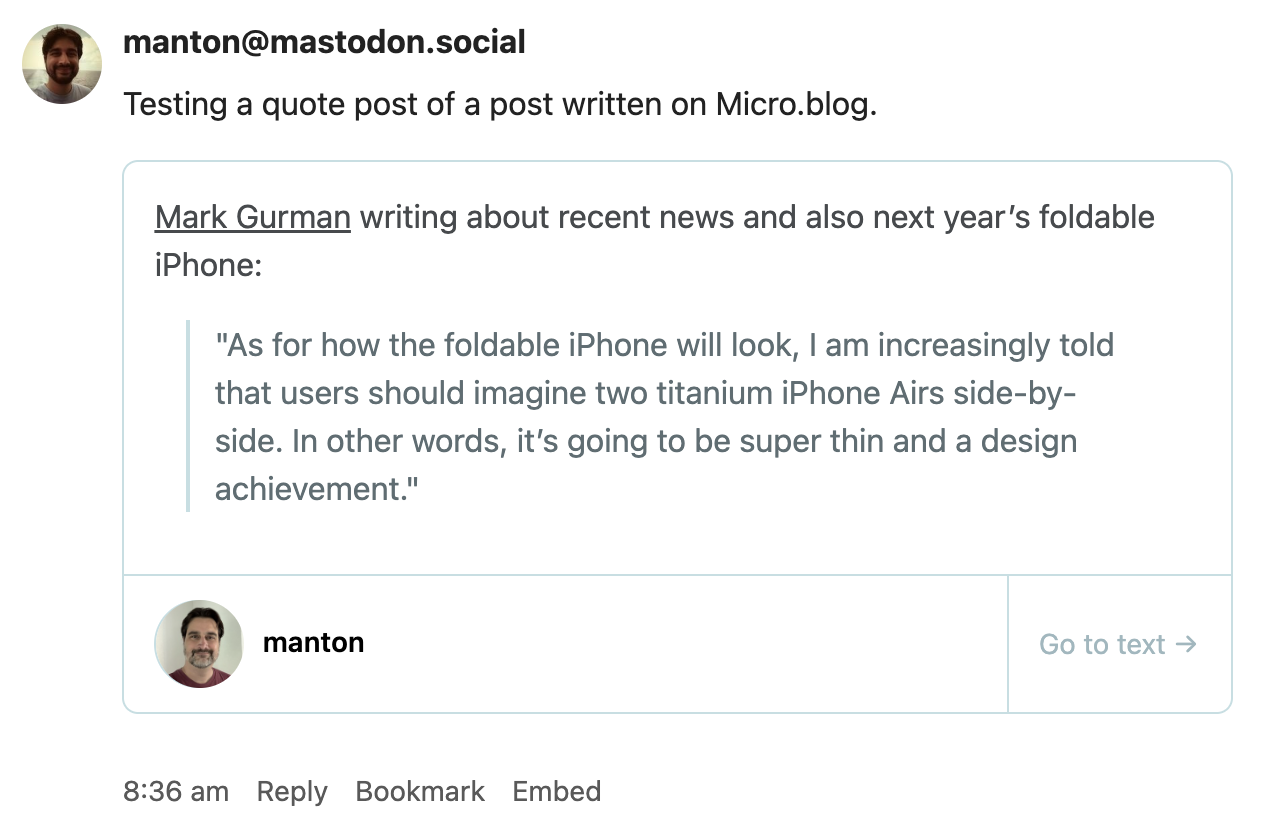
- Micro.blog will display quoted posts from Mastodon, converting them to blog-like
<blockquote>tags and displaying them with Quotebacks.
Micro.blog itself does not have an identical quoting interface to Mastodon and other popular social networks. Instead, Micro.blog has an “Embed” link on the web to copy a post and quote it in a blog post. Micro.blog bloggers often use simple block quotes with the Markdown > markup.
Here’s what the quoting interface looks like from the Mastodon side:
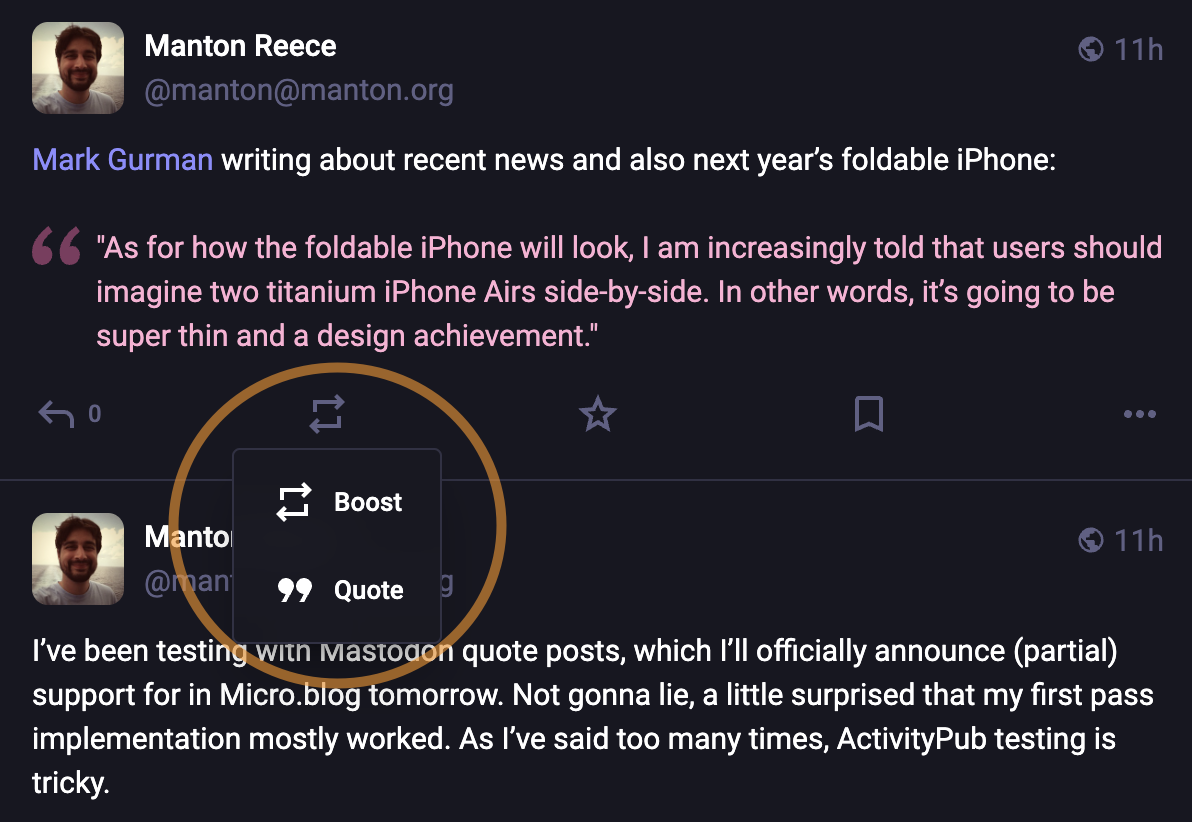
After quoting, Mastodon sends a message to Micro.blog to allow the quoting. It may take a few seconds or even minutes for the quote to be approved. During this time, on Mastodon you will see the message “Post pending”.
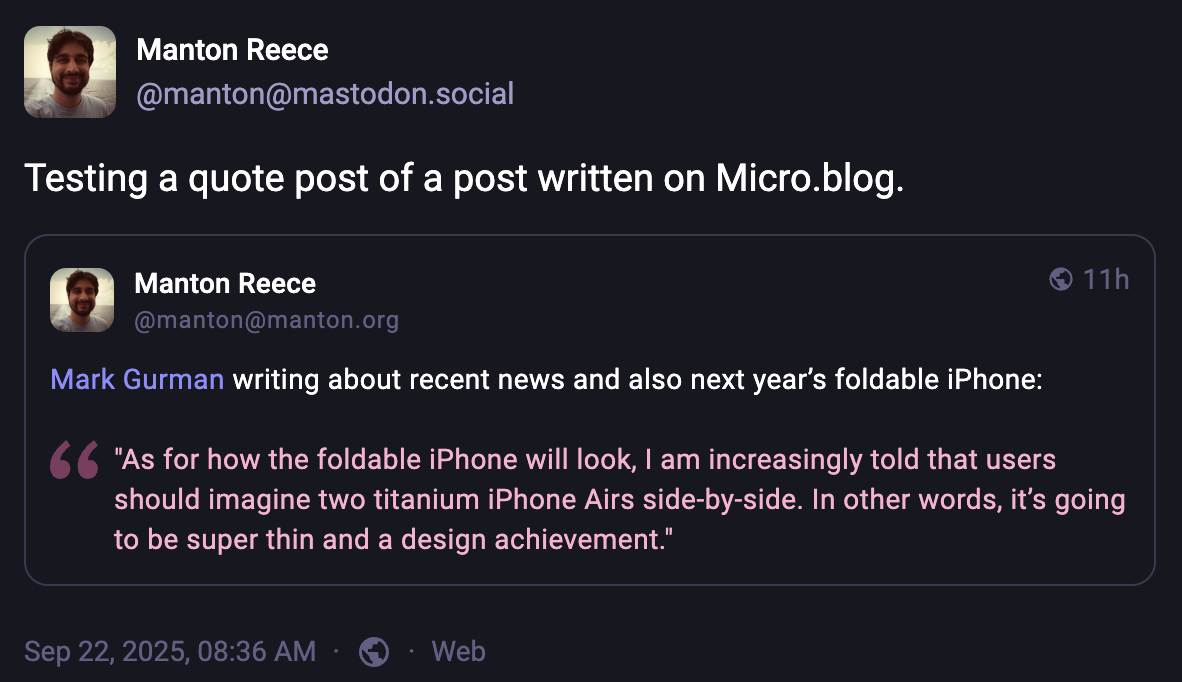
After it is automatically approved, the quote post will appear on Mastodon like this:
And in Micro.blog like this:
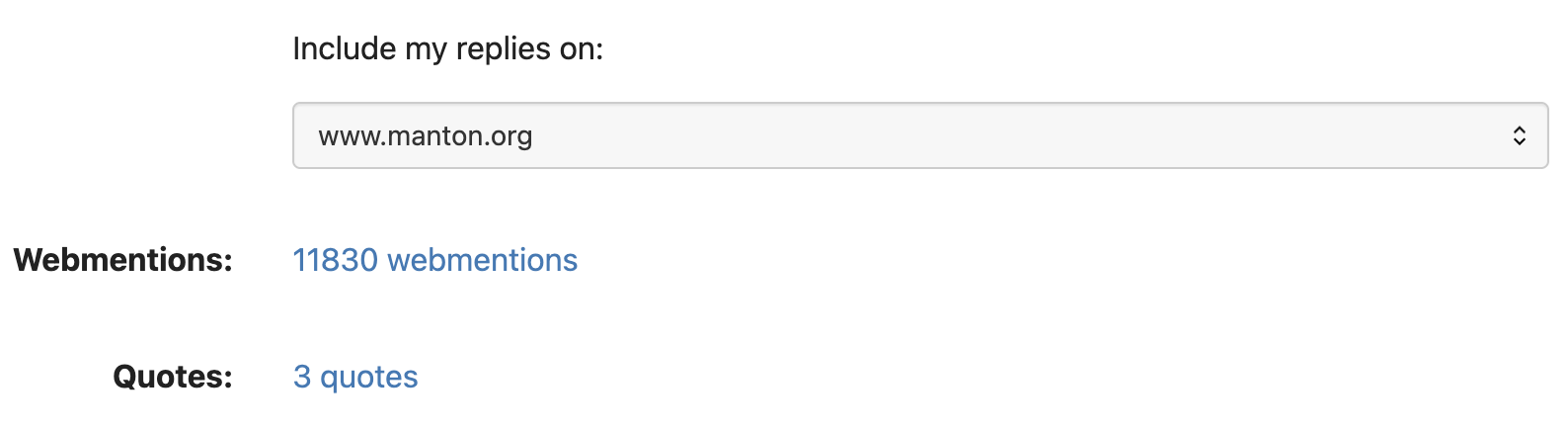
In Micro.blog, when someone from Mastodon quotes your post, you will see a new quotes link on your Account page:
Click that link to browse a list of recent quotes, where you can also remove the quote from the other user’s post: