Micro.blog can automatically copy blog posts to your Day One journal, for Day One Premium subscribers. It does this using Day One’s “Email to journal” feature. This option is available in the iOS settings or on the web in Day One:
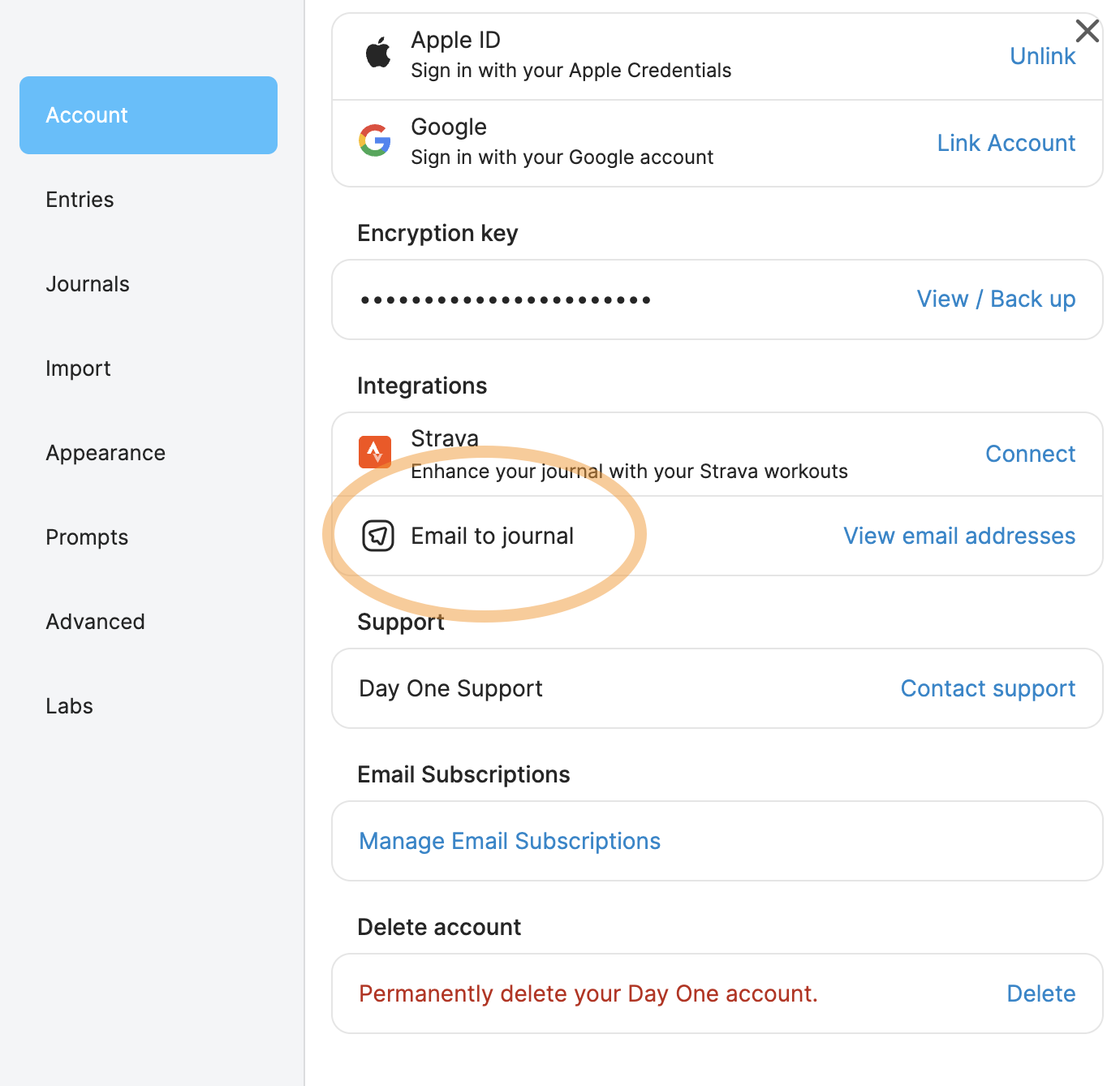
Copy the special email address for your journal, then go into Micro.blog → Sources → “Add Day One” and paste in the email address.
Day One supports common Markdown formatting such as bold, italic, links, and block quotes. It also now supports photos if you first go into your Day One settings on the web and turn on the “Include Images” checkbox.
Micro.blog also appends a link to your blog post on each new journal entry.