When you edit a blog post or private note, Micro.blog keeps track of the previous text so that you can copy it or revert back to it in case something was accidentally edited or deleted.
You can browse the previous versions in a few places:
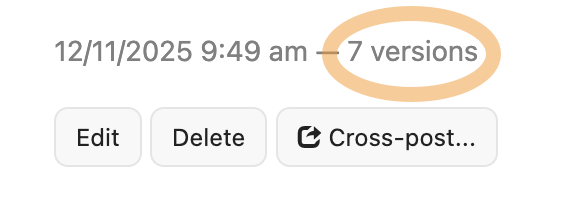
- On the web, on the Posts page, you’ll see a “5 versions” link next to the post date.
- On the web, when editing a note, you’ll see a “5 versions” link in the upper-right corner.
- In the Mac app, when control-clicking on a note, you’ll see a “Versions…” menu option.
Previous versions are kept for two months for most accounts, and longer for Premium and Studio subscriptions:
- Micro.one and Micro.blog: 60 days
- Micro.blog Premium and Family: 1 year
- Micro.blog Studio: forever
When deleting your Micro.blog account, we delete most posts and uploads immediately. Versions are kept for up to two months after deletion and then permanently cleaned up automatically. This is to give us one last chance to restore blog post text for an accidentally deleted account.
There is no limit on the number of versions kept for each post or note.